
Seamlessly Send and Share Inspection Data
Virtual Inspector allows users to submit inspection data in a way that’s convenient and efficient, whether you’re working with insurance agencies, real estate firms, fleet managers, or for your own personal records.

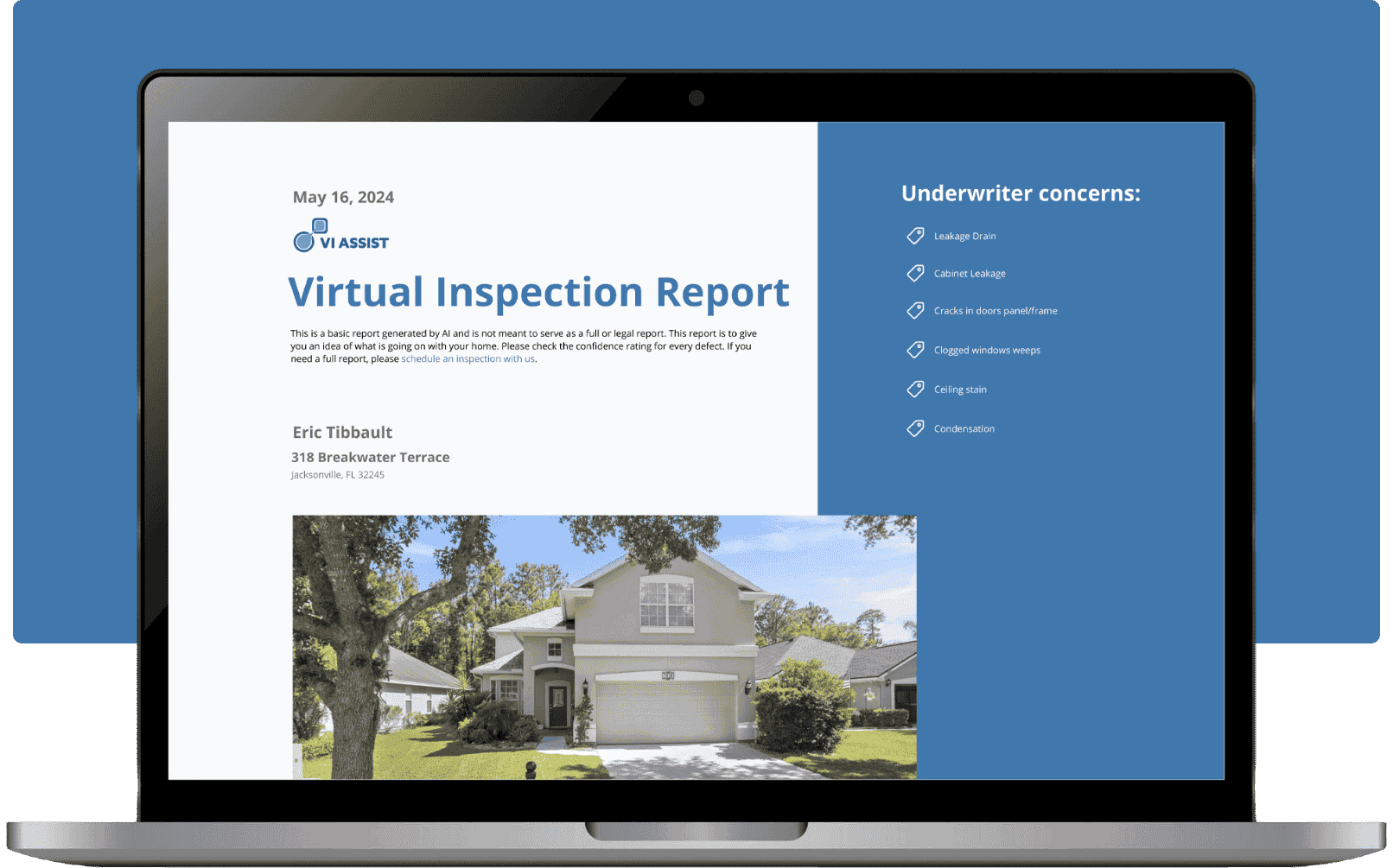
1. Choose Your Preferred
Submission Method
Once the inspection is complete, Virtual Inspector provides you with a set of options for sharing the final report. From direct email and secure links to downloadable files or cloud storage, you can pick the method that best suits your workflow or recipient’s preferences.
2. Customize Report Format and Access Permissions
Flexible Submission Options allow you to adjust how the report is delivered. Choose from PDF, HTML, or other formats based on what’s needed, and set permissions for access, such as read-only or limited-time viewing. This ensures recipients have just the right level of access and control.
3. Instant Sharing and
Confirmation
Once the submission option and format are set, Virtual Inspector instantly sends the report, confirming successful delivery. You’ll also receive a confirmation notification, allowing you to track the status and ensure recipients have received the data.
4. Manage Submissions and Keep Track of Reports
Through Virtual Inspector’s platform, you can monitor which submissions have been sent, access historical records, and see delivery confirmations. This feature provides an easy way to manage, organize, and follow up on all submitted reports.
Why Use Flexible Submission Options?
From professional inspections for agencies to personal record-keeping for individuals, Flexible Submission Options are tailored to suit a variety of uses.

Streamlined Workflow and Convenience
Flexible Submission Options eliminate the hassle of manual sharing processes, allowing you to send reports quickly, without switching between multiple platforms or formats. This streamlined approach helps users save time and manage their workflow more efficiently.

Adaptable to Recipient Requirements
Virtual Inspector’s customizable options make it easy to tailor the delivery format to meet recipient needs. Whether it’s a standard PDF for an insurance agency or a link to a cloud-based report for a real estate client, Flexible Submission Options provide the versatility needed for any industry.

Reliable, Secure Delivery
Every report submission is sent via secure channels, ensuring that sensitive inspection data remains protected. For users handling confidential or private data, Virtual Inspector’s security features provide peace of mind and ensure compliance with data protection standards
Key Features of Flexible Submission Options
- Effortless Sharing Across Multiple Channels
- Enhanced Control Over Report Access and Usage
- Time-Saving for High-Volume Users
Ready to Simplify Your
Inspection Process?
Virtual Inspector provides reliable, detailed, and cost-effective solutions tailored to your industry’s needs. Let us help streamline your inspections, reduce costs, and elevate the quality of your operations.